Campus
welcome.
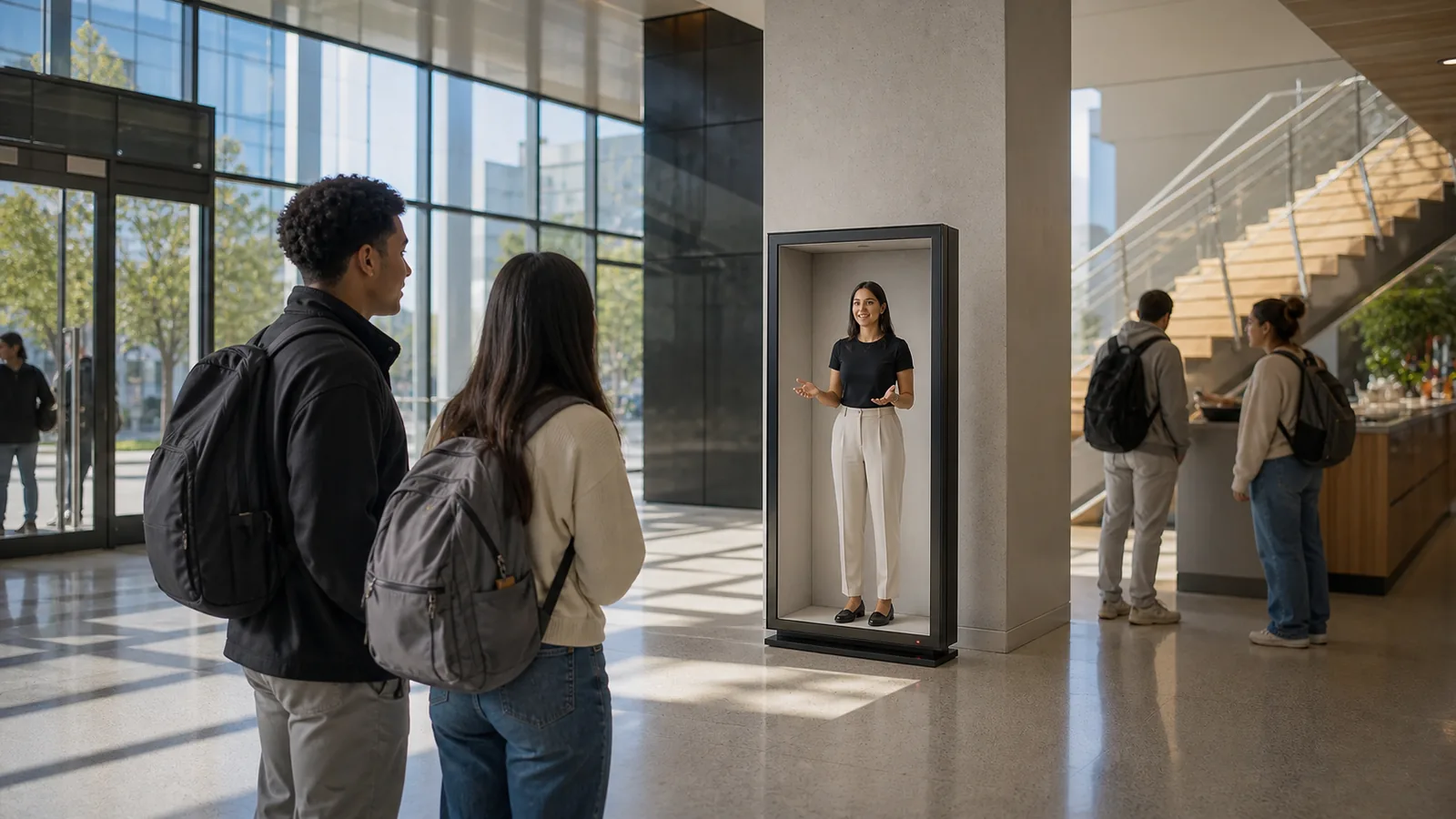
Give new students a friendly, consistent arrival point across large or distributed campuses.
At a glance
Three decisions that shape the use case.
- 01
Campus welcome is a service-design problem: new students need orientation, reassurance and a clear human path, not another information wall.
- 02
Use a lesson, video or learning application when the learner only needs information. Use presence when live demonstration, embodied practice, turn-taking or access to a distant expert materially helps.
- 03
The pilot should define a baseline and measure questions resolved, correct destinations and new-student confidence before anyone treats the concept as proven.
The opportunity
Design for the moment that matters.
What breaks today
Orientation information is abundant but fragmented. New students often need reassurance and a simple next step more than another map or portal.
The presence pattern
A student ambassador or digital host welcomes the newcomer, answers approved questions, shows relevant routes and connects a live campus resource when needed.
Design requirements
Make it useful before making it magical.
- 01
Teach one objective
Anchor each experience to a specific skill, concept or decision rather than broad entertainment.
- 02
Keep learners active
Alternate explanation with observation, discussion, practice and visible feedback.
- 03
Support the instructor
Give the local educator control over pacing, context, access and recovery.
Operator runbook
Design the complete service—not only the scene.
- 01
Set the baseline
Before launch, define the audience, room, and baseline event this presence changes. Name the owner of each session state and the handoff path.
- 02
Invite with clarity
For the first pilot, make the purpose explicit: why this presence is there, what it can do, whether it is live or AI-assisted, and how a participant exits safely.
- 03
Close the loop
A student ambassador or digital host welcomes the newcomer, answers approved questions, shows relevant routes and connects a live campus resource when needed. End every session with a visible next action, capture only consented outcomes, and run one short review before expanding to a second site.
Pilot scorecard
Prove a real outcome in the room.
Questions resolved
Define the starting event, completion event and current-workflow baseline for questions resolved. Count only observable outcomes.
Correct destinations
Review correct destinations by audience, session stage and operator. Use the pattern to find where confidence is gained or lost.
New-student confidence
Set a minimum threshold for new-student confidence before launch. Name the owner and recovery action when a session misses it.
Decision gates
Know when presence is—and is not—the answer.
Presence must earn the room
If the same campus welcome outcome can be achieved by a well-designed phone, kiosk or conventional video call with equal trust and clarity, use the simpler tool.
The boundary must stay visible
Do not launch campus welcome until participants can identify the role, source, live or synthetic state, information boundary and human fallback without guessing.
The operation must survive novelty
Student affairs and campus operations should be able to run, pause, recover and measure the experience repeatedly. Do not scale while success depends on a founder or engineer standing beside it.
Evidence status. This page is a product-design field brief, not a claim that Reality Relay has already produced the stated customer outcome. Replace the hypothesis with measured pilot evidence before presenting it as proof.
Build the first pilot
Start narrow enough to learn.
For Campus welcome, begin with one real environment, one defined audience and one repeatable interaction. Establish who operates the experience, what information or tools it can access and exactly when a person must take control.
Reality Relay Platform coordinates content, session state, approved intelligence and operations. Relay Space, Relay Frame and Relay Box give each experience a calibrated physical endpoint at the right scale. The pilot should earn expansion by improving the scorecard above—not by novelty alone.
- Primary audience
- Student affairs and campus operations
- Experience family
- Education & training
- First decision
- Choose the room, baseline and accountable operator
- Expansion rule
- Scale only after the scorecard beats the current workflow